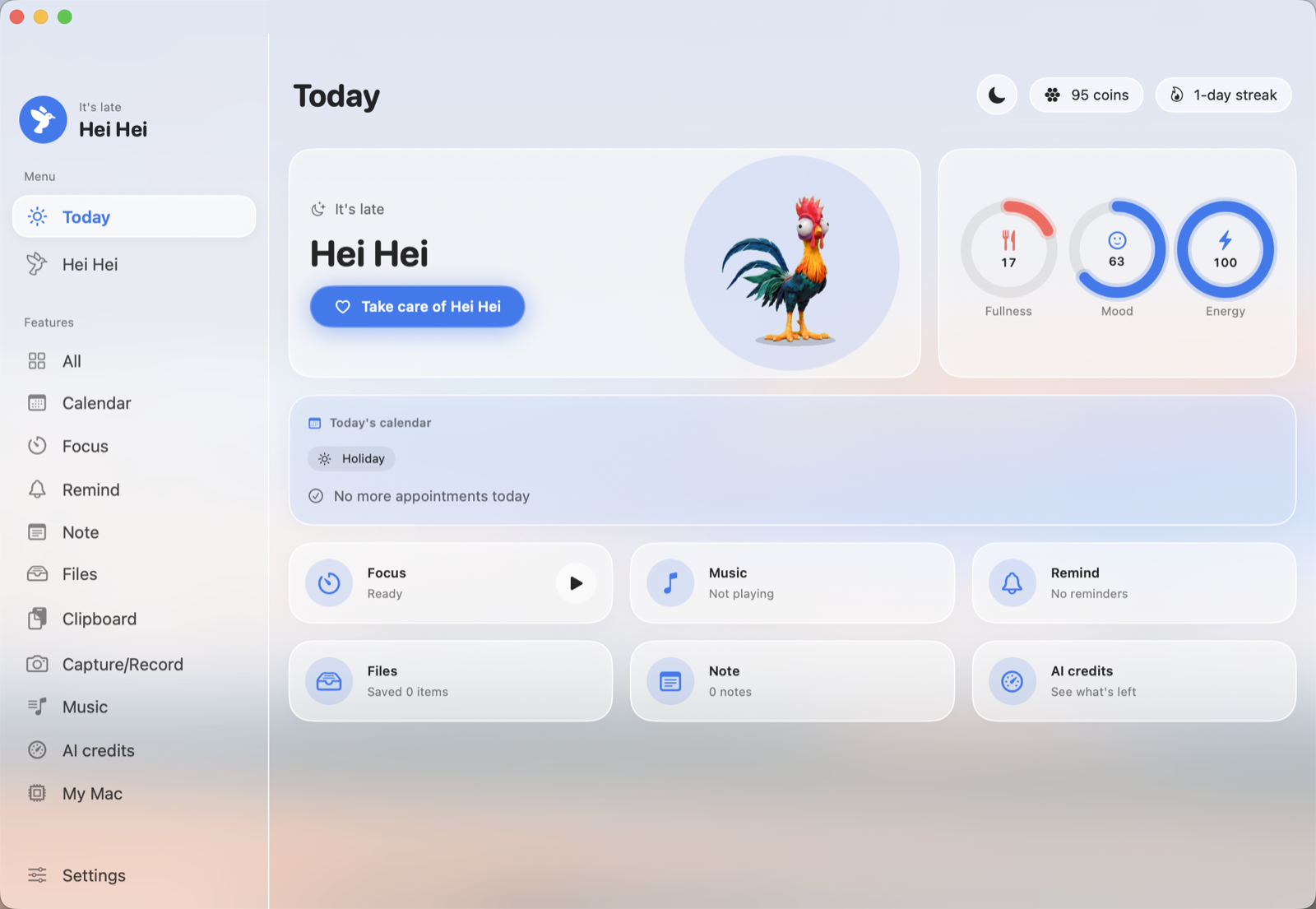
Hei Hei wanders around your screen, notices what you are doing, nudges you to rest your eyes when you type for long, sets focus timers and brings small tools that really help. Everything runs on your Mac
Version 1.7.2 · requires macOS 15 (Sequoia) or later · runs on Apple Silicon and Intel Macs
Rest your eyes a bit?
Well done!
Features
Knows you, never nags, really helps
A little one that sits beside you while you work. It doesn't steal focus and sends nothing out
Rest-your-eyes reminders
A gentle nudge when you type too long, a cheer when a focus round ends, a light tease when you stay in one app for ages
Hey Hub
A Liquid Glass hub for status, quests and the shop, with adjustable window transparency
Pomodoro focus
25 minutes of focus, 5 of rest, with stats and coin and XP rewards for your pet
Clipboard history
Look back and copy again, pin the important ones, and skip passwords from password managers automatically
Read text from the screen
Drag to select an area and the Thai or English text goes straight to the clipboard
Calendar heads-up
A heads-up 10 minutes before appointments. Read-only, and it asks for permission only when you turn it on
AI credits, many accounts
See the quotas of Claude, Codex (ChatGPT) and Antigravity for every account in one place, with percentage bars, reset times and a pet that warns you when one runs low
Two languages, Thai / English
Pick the app's language yourself or follow your Mac, and set reminders in English too
Three friends to choose from
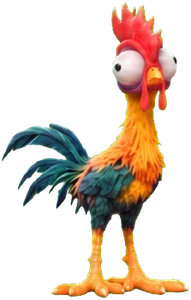
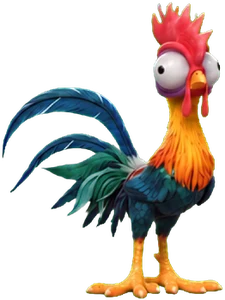
Hei Hei the rooster, Shams the fluffy chick and Shi Shi the bob-haircut chick, each with poses and animations for every growth stage
Hey Hub
The real look of the app
Growing up
Raise it together, every day
Feed it, do quests and watch it grow from an egg to a full-grown rooster
Egg
Chick
Child
Teen
Adult
Video
See what Hey! can do
Private
Stays on your Mac, and yours
Runs on your Mac
No sign-up needed
Clipboard is kept in memory only
Install
Three steps, ready to use
Download
Download Hey-1.7.2.dmg from the Releases page, then double-click to open
Drag to Applications
Drag the Hey icon onto the Applications folder in the same window
first launch
The app is not notarized by Apple; see how to allow it below, once is enough
Install with one command (no warning)
Open Terminal and run this. It downloads the latest version with curl into Applications and opens the app. macOS does not ask because files downloaded with curl carry no quarantine flag
Since version 1.4.0 Hey! is signed with a Developer ID and notarized by Apple, so it opens with a double-click. If an older download (1.1.0 or earlier) showed a warning, download the latest version again
If a permission doesn't stick after an update, remove the Hey entry in System Settings and allow it again